
Heroku Userbot: A New Take on the Legendary Hikka
If you’ve ever dabbled in Telegram automation, the name Hikka is surely familiar to you. It’s the foundation, the classic. However, 2024 has brought us something new.
September 9, 2024, marked the official release of Heroku userbot — an ambitious fork of the original Hikka.
Why Should You Pay Attention?
Forks aren’t created without reason. The Heroku developer (@coddrago) set out to take the best parts of the original and adapt them to modern demands while preserving that signature “comfy” flexibility. The project is designed for stable performance across a wide variety of platforms.
What’s Under the Hood?
- Full Compatibility: Works seamlessly with existing Hikka modules.
- Refined Internals: Reworked core components for improved speed.
- Exclusive Features: Built-in “out of the box” tweaks that make life easier.
Whether you’re looking for a reason to upgrade your current toolkit or you’re just starting your journey into the world of userbots, Heroku is an excellent entry point.
Documentation
About the Project
Heroku Userbot is a functional branch (fork) of the Hikka Userbot project. Launched in September 2024, the project serves as an initiative to enhance user experience and optimize the codebase.
- Initial Release Date: September 9, 2024
- Base Architecture: Hikka Userbot
- Language: Python
Installation and Setup
Installation
- Clone the repository:
git clone https://github.com/coddrago/Heroku - Navigate to the folder:
cd Heroku/ - Install dependencies:
pip install -r requirements.txt - Launch the bot:
python3 -m heroku
Command Line Flags and Arguments
When launching the bot via python3 -m heroku, you can pass several arguments to customize its behavior. This is especially useful for advanced deployments (VPS, Docker, or automated environments).
| Flag | Destination | Description |
|---|---|---|
--port | port | Specifies the port for the web interface. (Default: auto-generated via gen_port()). |
--phone, -p | phone | Pass phone number(s) directly to the bot. Can be used multiple times. |
--no-web | disable_web | Disables the web interface entirely. |
--qr-login | qr_login | Enables login via QR code instead of a phone number (requires another device to scan). |
--data-root | data_root | Sets a custom root directory path for storing session files. |
--no-auth | no_auth | Disables authentication and API token input. The bot will exit if auth is required. |
--proxy-host | proxy_host | MTProto proxy host (address) without the port. |
--proxy-port | proxy_port | MTProto proxy port (integer). |
--proxy-secret | proxy_secret | MTProto proxy secret key. |
--root | disable_root_check | Disables the “force insecure” warning when running the bot as root. |
--sandbox | sandbox | If enabled, the bot will shut down instead of attempting a restart. |
--proxy-pass | proxy_pass | Opens a proxy pass tunnel on startup (not required during initial setup). |
--no-tty | tty | Disables ANSI escape sequences (colorful output) in the console. |
Usage Examples
Running with a specific port and no web interface:
python3 -m heroku --port 8080 --no-web
Running via MTProto Proxy:
python3 -m heroku --proxy-host 1.2.3.4 --proxy-port 8888 --proxy-secret YOUR_SECRET
Silent mode without colorful output (useful for logging):
python3 -m heroku --no-tty
Basic Commands
Heroku uses a standard prefix (default is .), which can be modified using .setprefix command.
| Command | Action |
|---|---|
.help [module_name] | Open the help menu |
.dlm | Install a module from the official module repo |
.e [code] | Evaluates python code |
.ping | Test your userbot ping |
.terminal [cmd] | Execute console commands directly from the chat |
Key Features and Differences from Hikka
Compared to the original base, Heroku Userbot introduces several significant technical upgrades:
- Aiogram v3 Core: Completely migrated to the latest version of the Aiogram library.
- Support for modern Telegram features like nested entities and blockquotes in inline messages.
- Access to a wider range of the latest Telegram Bot API methods.
- Smart Loader: An enhanced module loader that automatically checks for and applies updates to your modules every time the userbot restarts.
- Refined UI/UX: Completely overhauled visual templates for inline menus and system messages, providing a cleaner and more modern look.
- Stability: A massive “bug-squashing” campaign was conducted, fixing numerous legacy issues for a smoother experience.
Warning: This software is intended for automating routine tasks. The developers are not responsible for account bans resulting from violations of Telegram’s Terms of Service (Spam/Flood).
Module Channels & Repositories
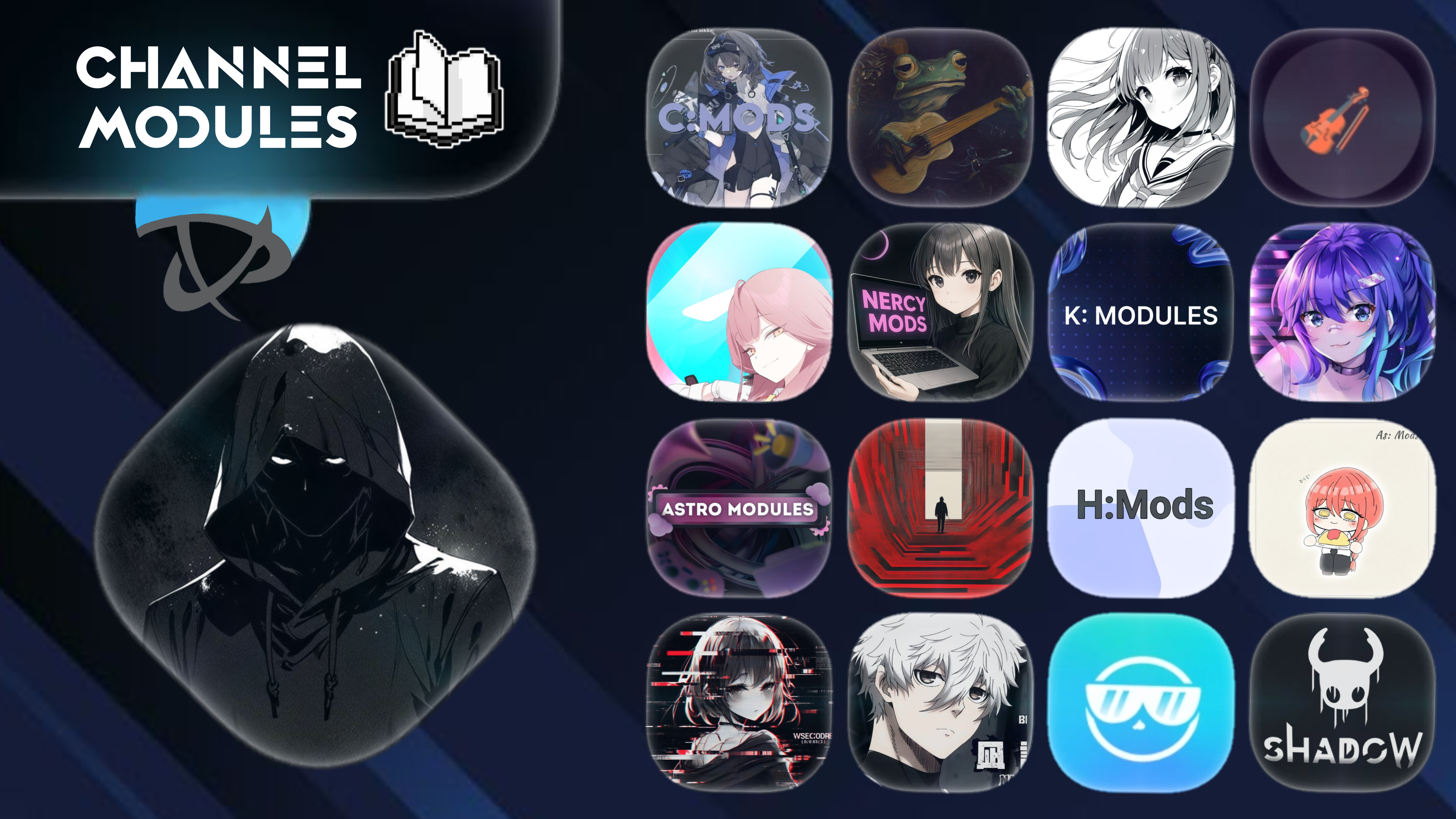
Heroku is fully compatible with the Hikka ecosystem, giving you access to thousands of custom scripts. You can find modules in these popular Telegram channels:
- @codrago_m
- @famods
- @vsecoder_m
- @hikka_mods
- @nercymods
- @kmodules
- @morisummermods
- @AstroModules
- @AuroraModules
- @sqlmerr_m
How to Install
To add a new module, simply reply to a .py file or send a link to the code with the following command:
.dlm [link/file]Useful Links

Who Am I?